![method grid favicon.svg]](https://help.methodgrid.com/hubfs/method%20grid%20favicon.svg)
To view and edit a video's description:
- Find the video in the video library
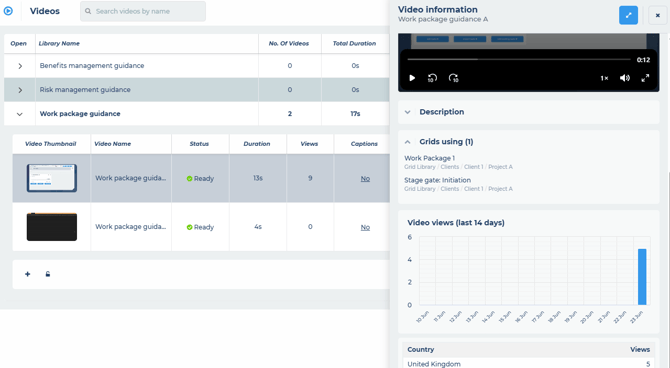
- Click on the video thumbnail (this will open the video's information panel)
- Scroll down the panel to the description section
- To edit the description, simply type within it, it will save your changes automatically when you click out of it