![method grid favicon.svg]](https://help.methodgrid.com/hubfs/method%20grid%20favicon.svg)
You can sort folders in two ways:
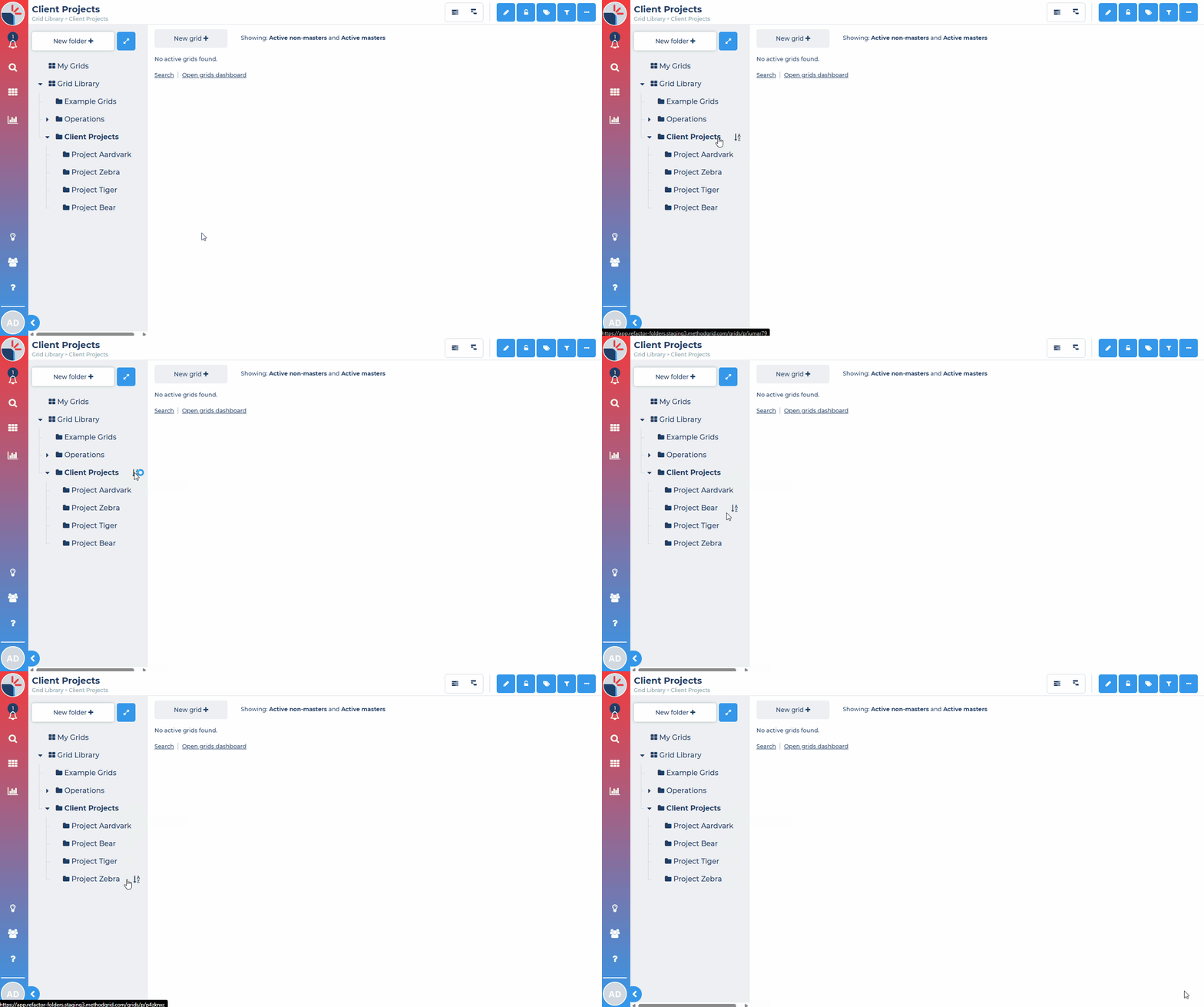
Sort subfolders A to Z
- Open the parent folder you want to sort to display all the subfolders of that folder
- Hover over the parent folder name and click on the sort folders A to Z button
- This will sort all the direct subfolders of that folder in alphabetical order A to Z
Note: This will only sort the direct subfolders, not the subfolders of those folders. To sort these, repeat the steps above for each folder.
Note: This changes the order of those subfolders for everyone in your account and is a permanent change to the order.
Sort by drag/drop