![method grid favicon.svg]](https://help.methodgrid.com/hubfs/method%20grid%20favicon.svg)
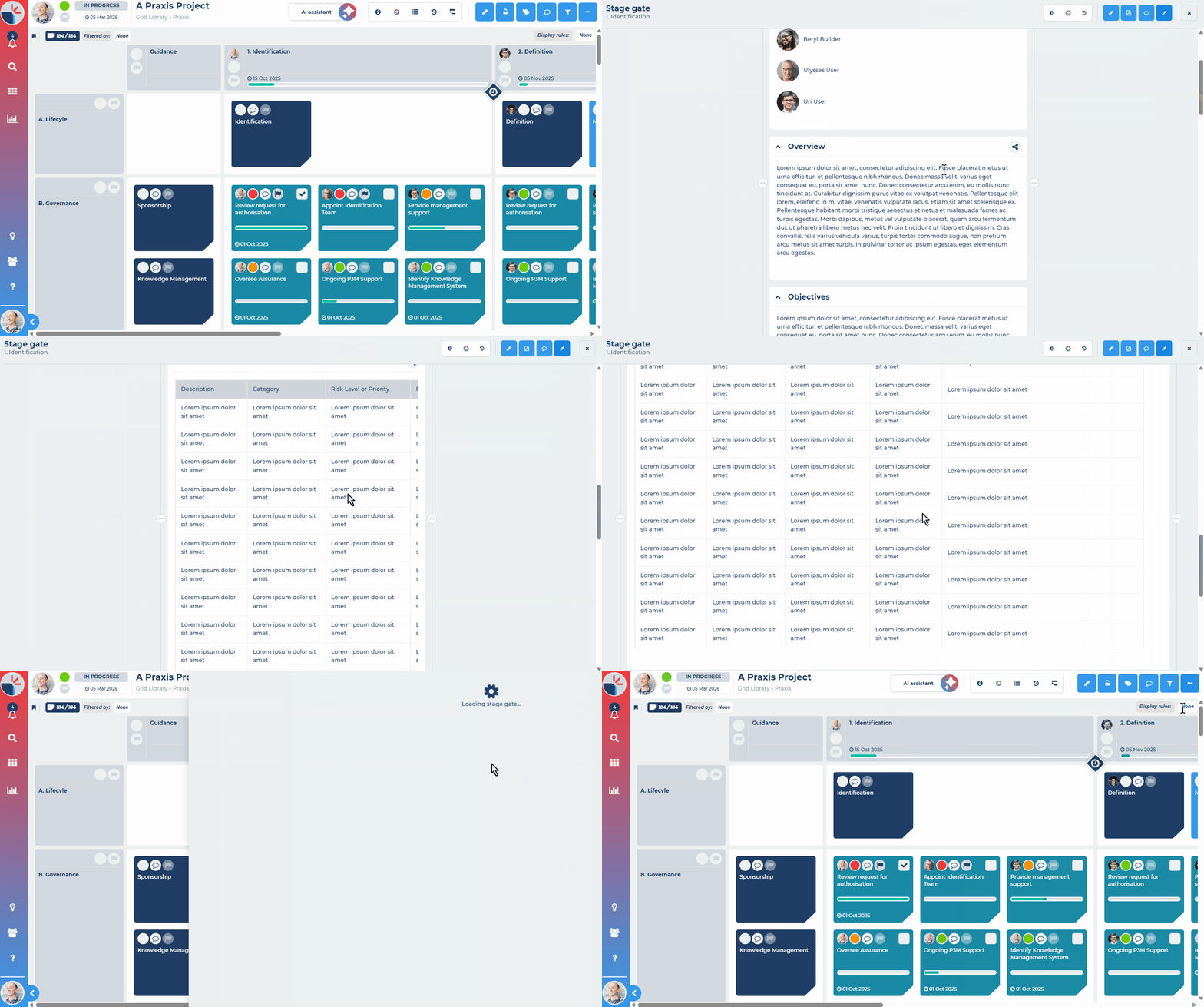
- Open a playbook (grid) and select the stage gate icon between two stages. The stage gate opens in the side panel.
- Select Enter full screen mode (the expand icon) in the panel header.
- Optional: drag the handles at either edge of the content to set the width you prefer.
- Select Exit full screen mode to return to the side panel, or Close to go back to the playbook.