![method grid favicon.svg]](https://help.methodgrid.com/hubfs/method%20grid%20favicon.svg)
Important note: AI chat is currently only available to certain accounts and team members. If you would like to use it, please contact us.
Contents
Introduction
You can use the AI chat to ask about anything in a grid:
- Knowledge content contained in the grid, elements or stage gates.
- Project delivery data set within the grid such as end dates, completion dates, assignee, RAG, status and more.
- Help with using Method Grid.
Note: not all Method Grid accounts and users have AI or the AI chat enabled. If you would like to enable AI for your account, please contact us.
Webinar Playback
Opening AI Chat
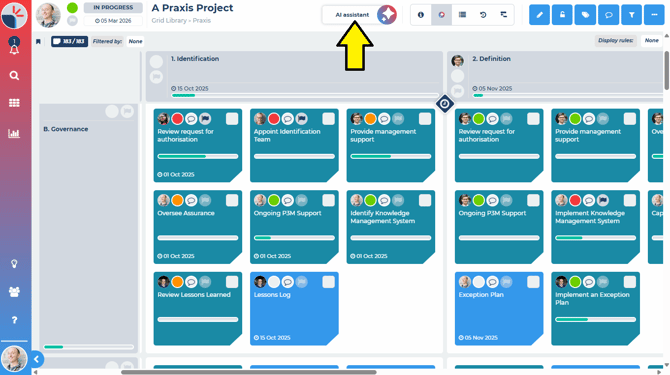
Once enabled, the AI chat can be found in all grids and elements. To open the AI chat interface, simply click on the AI assistant button wherever you see it.
AI Chat Sources
When helping you, the AI assistant has access to the following data in your grid:
- All the content and structure i.e. stages, themes, elements, labels and stage gates.
- All the delivery data within the grid i.e. end dates, completion dates, RAG, status, flags etc.
- The details of all teams members with access to the grid i.e. assignees, experts etc.
It does not have access to:
- Comments within the grid, elements or stage gates.
- Files uploaded to or linked from the grid.
- Files or websites in the AI source libraries assigned to the grid.
You can learn more about how the Method Grid AI assistant uses your data here.
Using AI Chat
When you first open a new, blank AI chat, you will see some example quick prompts to get you started with ideas and the input to add your own prompts.
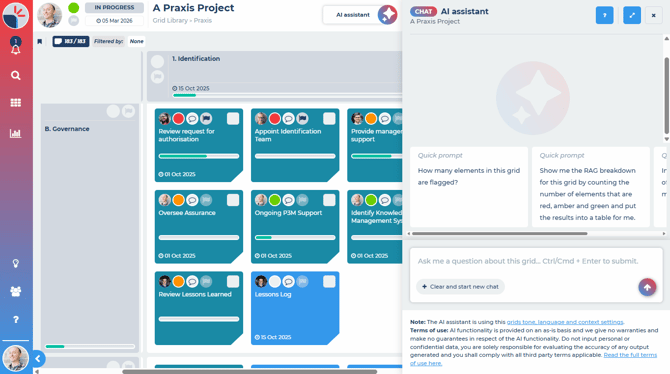
Chat Prompts
Simply type in your prompt and the AI chat will respond. Once you have started a chat, you can continue to work with the AI within the context of the ongoing chat. If you close the chat and return to it later, the last chat you had in progress will be remembered for each grid you chat with. To clear a chat and start a new one, click the clear and start new chat button.
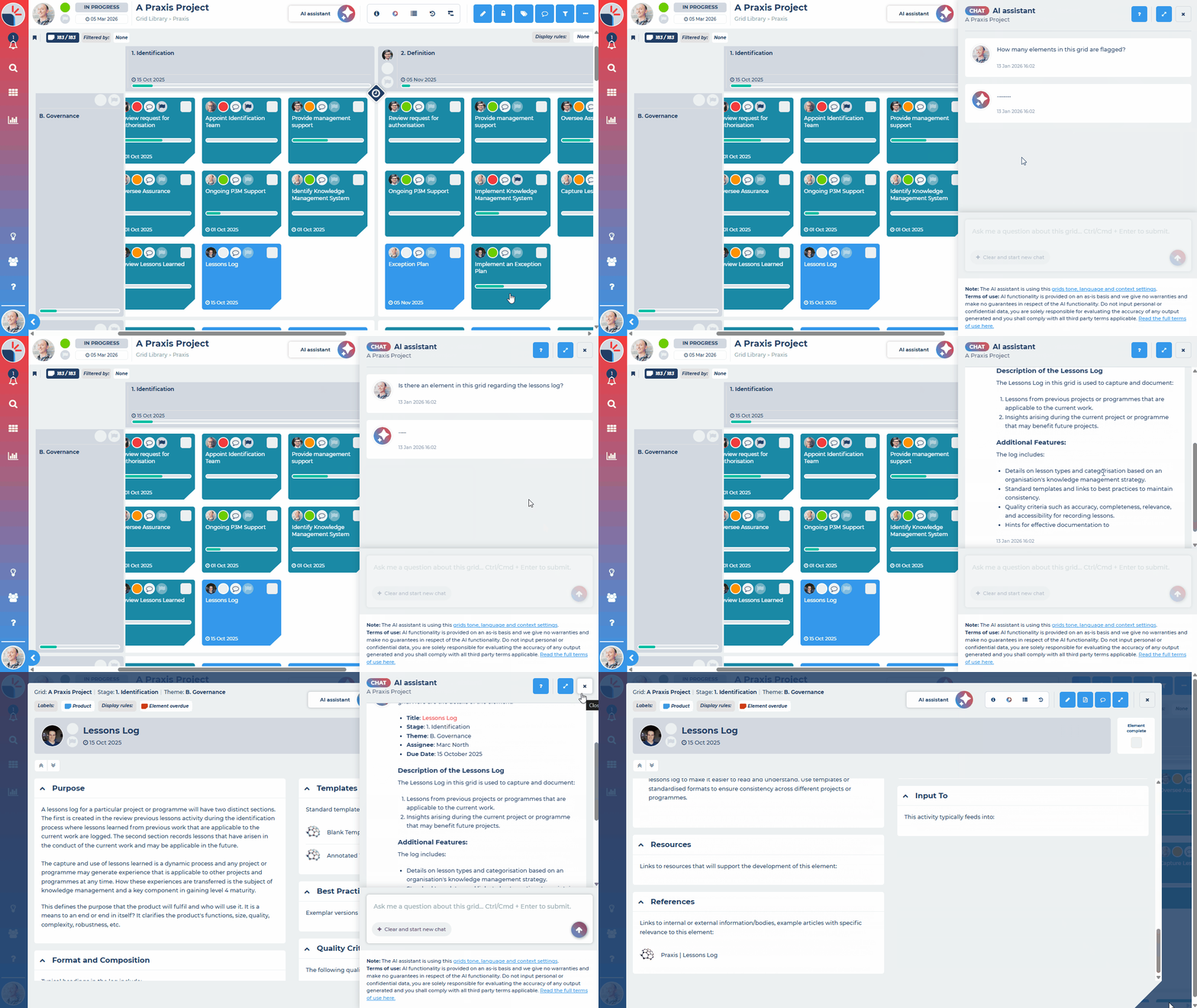
Chat History
AI chat automatically retains your last 30 days of chats. You can view these and then pick up where you left off.
Learn more about AI chat history here.
Chat Tips
You can use the AI assistant chat for more than just finding knowledge and content. You can also ask about delivery data, create charts and download data files.
Knowledge
Ask AI about anything you want to know about the grid or how to do something related to the grid:
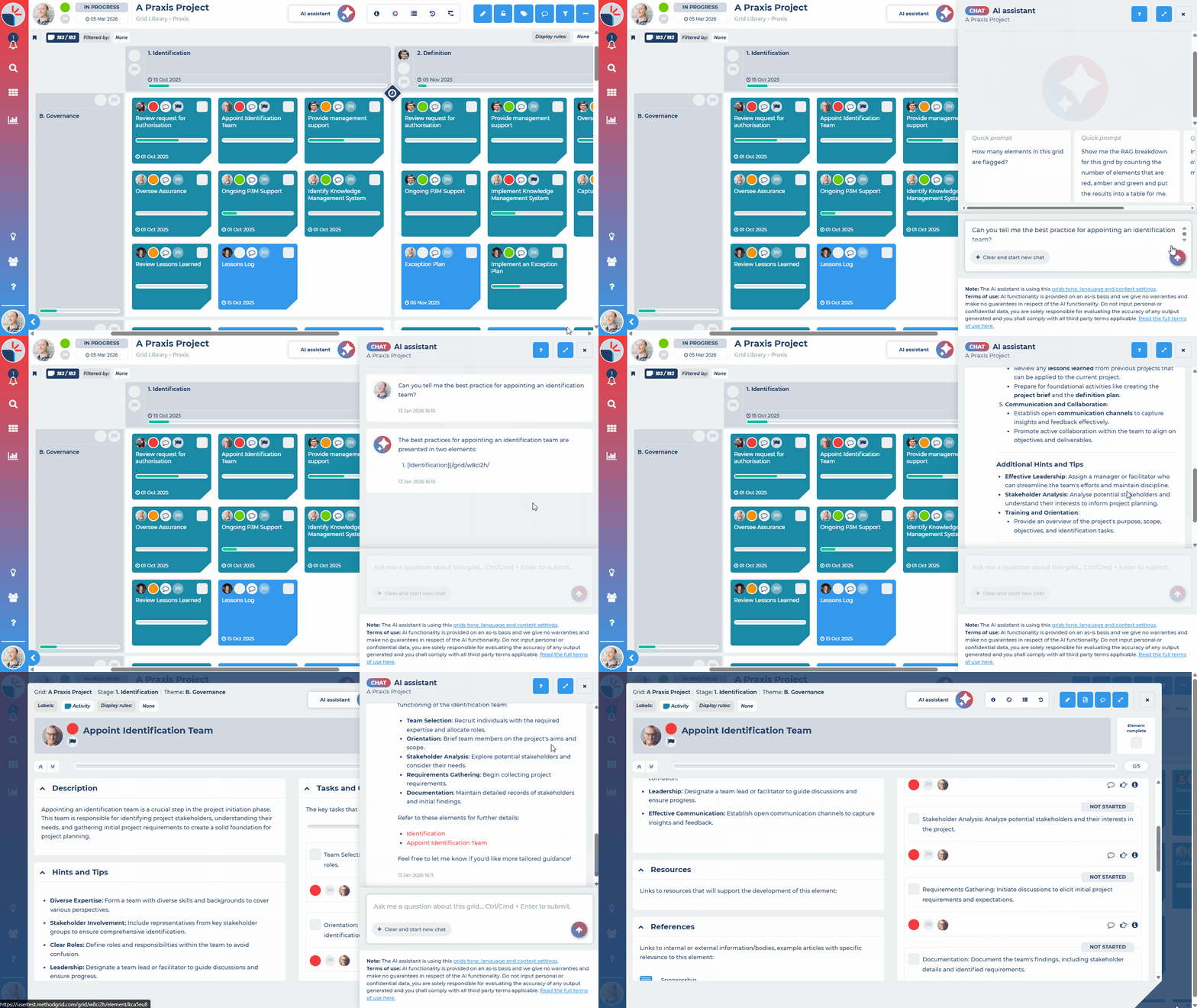
Delivery Data
Ask AI about anything you want to know about the delivery data within the grid:
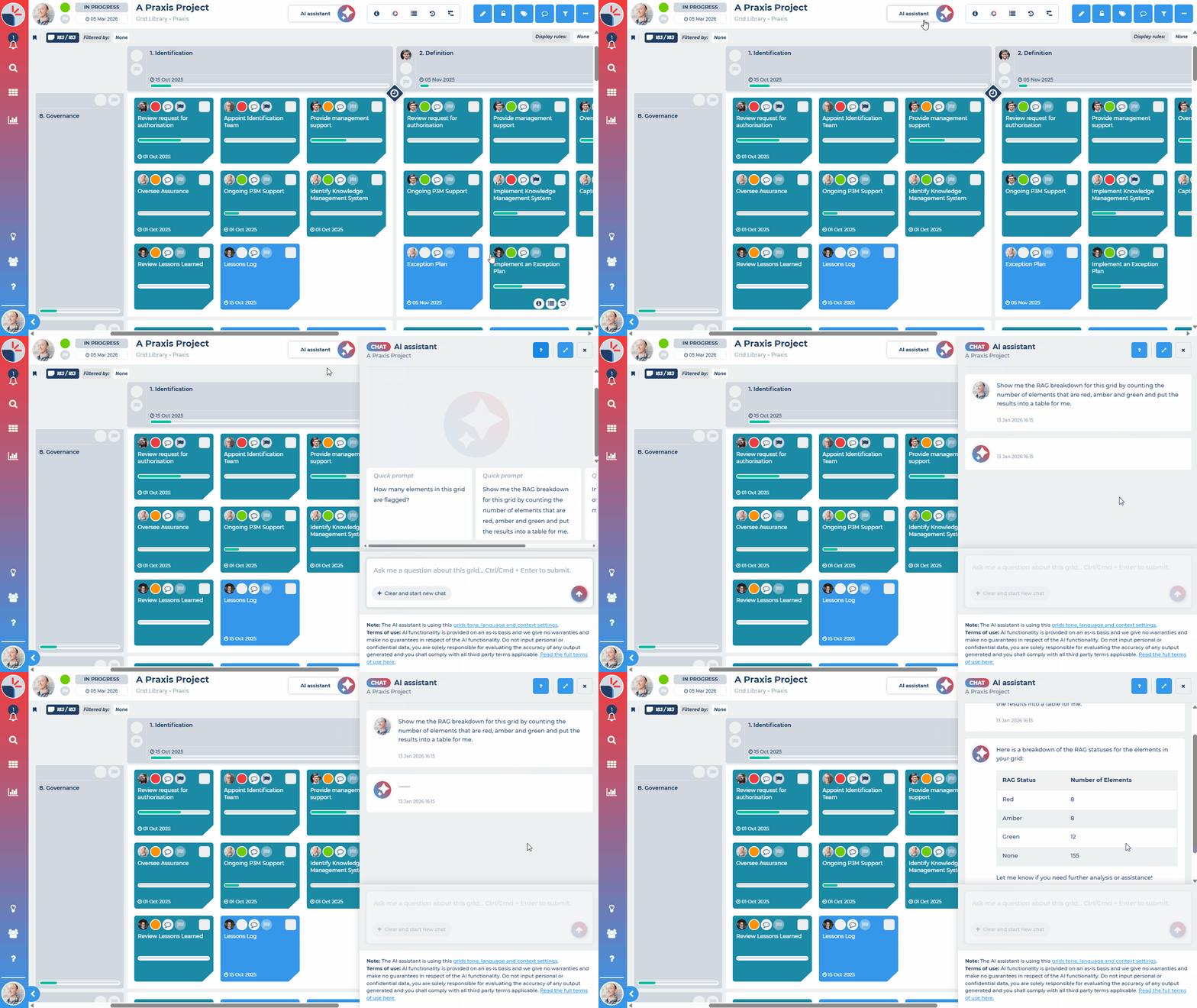
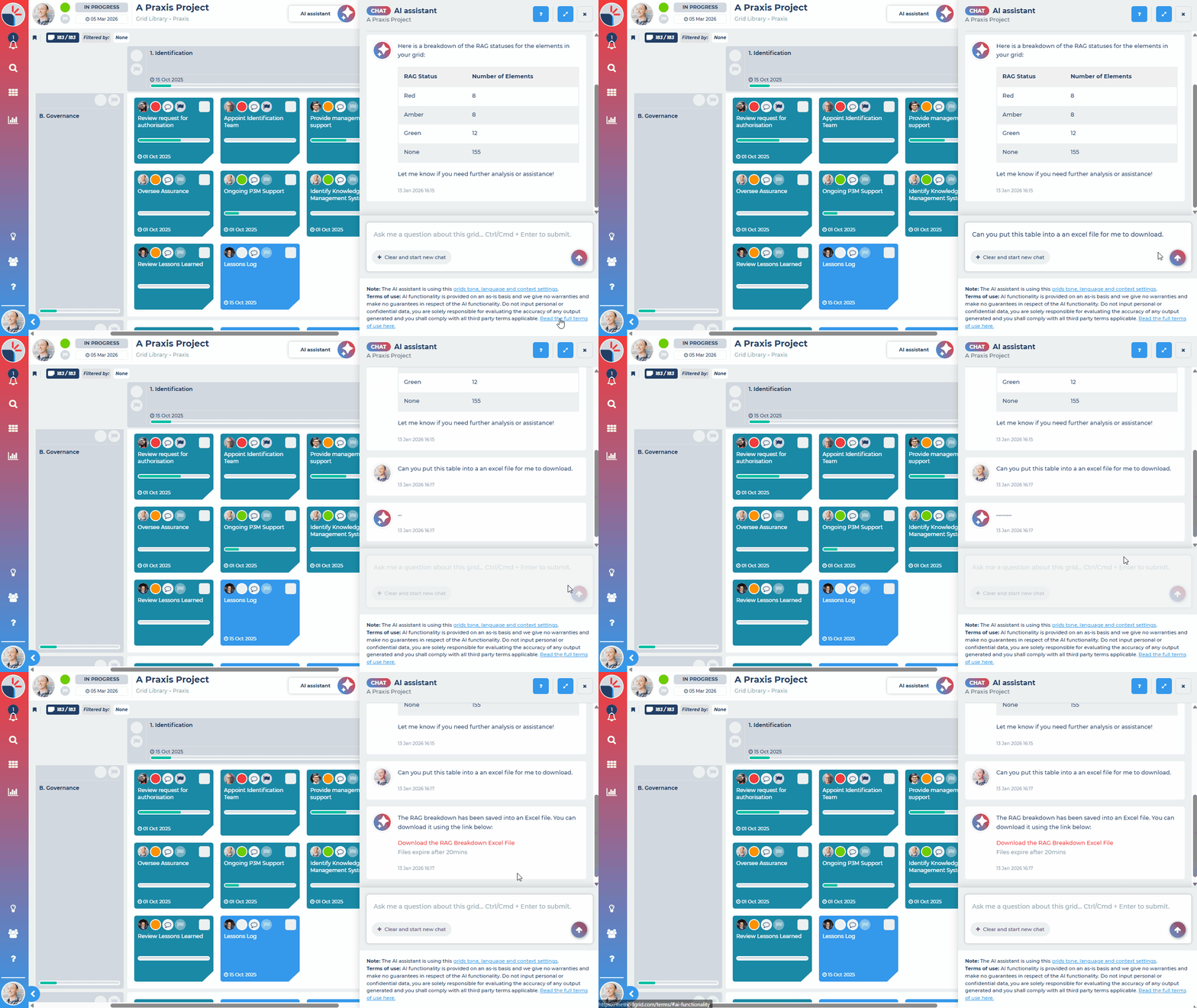
Download Data
Ask AI to create file downloads based on the delivery data in your grid:
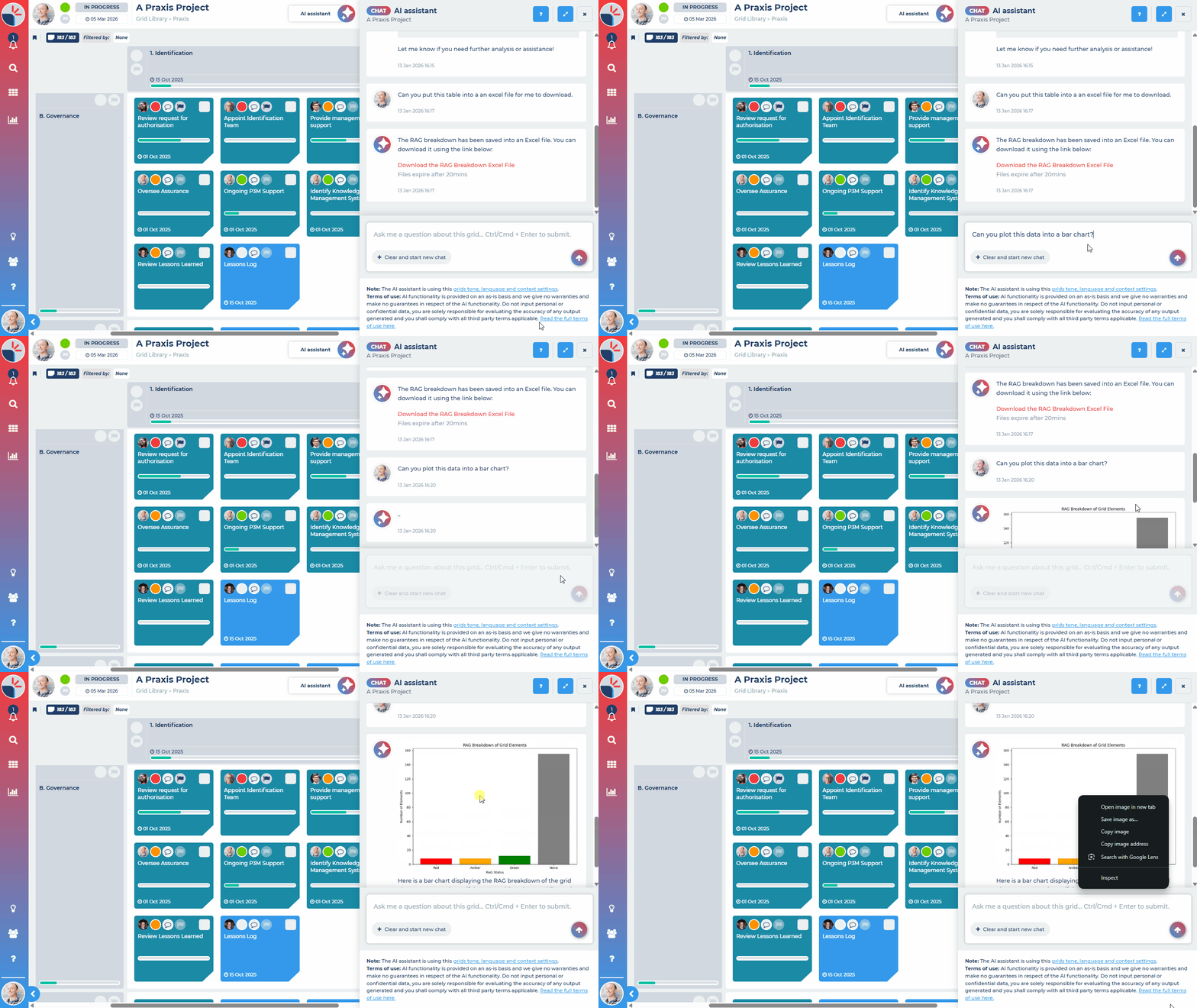
Charts
Ask AI to create charts using the data in your grid:
Chat Settings
The chat in the grid will use the same tone and language settings, and the same context settings that have been set for the grid in the grid AI settings. You can learn more here.